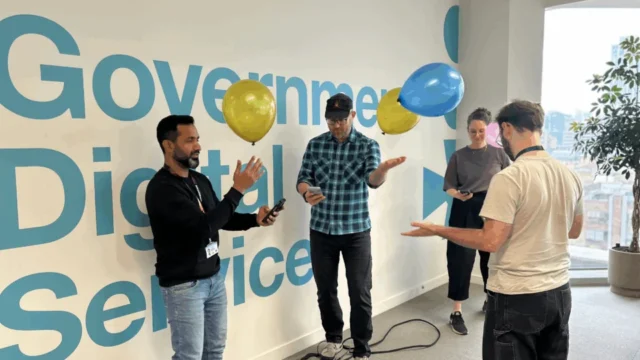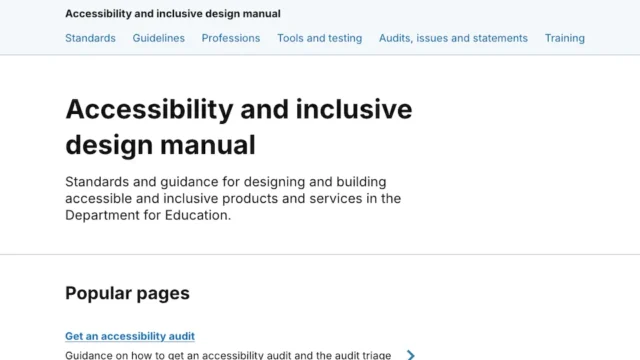


This initiative comes at a time when digital inclusion is no longer viewed as an optional feature but as a legal and ethical mandate for public services. As the UK government continues its digital transformation, ensuring that websites and applications are navigable for the estimated 16 million people in the country living with a disability has become a primary performance indicator for frontend engineering teams.
The Strategic Importance of Semantic HTML
At the heart of the discussion is the concept of semantic HTML—the practice of using web elements according to their intended meaning rather than their visual appearance. Dilwoar Hussain, Lead Frontend Developer at MHCLG, defines these as the "building blocks" of the web. While generic elements like <div> and <span> provide no inherent meaning to assistive technologies, specific tags such as <nav>, <main>, and <button> provide a roadmap for screen readers and search engines alike.
The consensus among the experts is that semantic code provides "accessibility for free." Michael Cheung, Senior Front-end Developer at NHS England, emphasizes that using the correct HTML elements allows assistive technologies to interpret page structure without the need for complex, secondary workarounds. For example, using a <button> element ensures that the browser automatically handles keyboard focus and "Enter" or "Space" key interactions. When developers instead use a <div> and attempt to mimic button behavior with JavaScript, they often fail to replicate these native browser features, leading to "broken" experiences for keyboard-only users.
James Gordon, Senior Frontend Developer at the DWP, highlights a common pitfall in modern web development: the over-reliance on JavaScript click events on non-interactive elements like images. He notes that while such elements might appear functional to sighted users, they are invisible or confusing to screen readers unless developers manually add alt text, role tags, and focus management. By adhering to semantic standards from the outset, developers can serve a diverse user group from day one rather than attempting to "bolt on" accessibility at the end of a project.
Chronology of Accessibility Standards in the UK Public Sector
The focus on semantic HTML and accessible code is the result of a multi-decade evolution in UK digital policy. To understand the context of the current "Unlocking Accessibility" series, it is necessary to trace the timeline of these requirements:
- 1995: Disability Discrimination Act (DDA): The first major legislative step requiring service providers to make "reasonable adjustments" for disabled persons.
- 2010: The Equality Act: Consolidated and strengthened previous legislation, explicitly protecting disabled individuals from discrimination in the provision of services, including digital ones.
- 2018: Public Sector Bodies (Websites and Mobile Applications) (No. 2) Accessibility Regulations: This landmark legislation required all public sector websites to meet Web Content Accessibility Guidelines (WCAG) 2.1 Level AA standards. It also introduced the requirement for regularly updated accessibility statements.
- 2023–2024: Transition to WCAG 2.2: The introduction of new success criteria, such as "Focus Appearance" and "Target Size," forced frontend developers to rethink how interactive elements are styled and spaced.
- 2025: The Current Initiative: GDS and various departments are now focusing on "upstream" accessibility—integrating inclusive design into the very first lines of code written by frontend engineers.
Shifting Left: Accessibility in the Initial Development Phase
A recurring theme among the contributors is the rejection of the "test and fix" model in favor of a "build it right first" approach. This philosophy, often called "shifting left," involves considering accessibility during the design and initial coding phases.
Dilwoar Hussain (MHCLG) advocates for early collaboration between developers, designers, and content writers. By flagging potential contrast issues or heading hierarchy problems before the code is even written, teams can avoid the technical debt associated with fixing accessibility bugs post-launch. David Biddle, a Frontend Developer at GDS, supports this, noting that thinking about how a feature should work in different assistive technologies during the design stage allows for a more robust HTML structure.

The developers also highlighted the role of established design systems, such as the GOV.UK Design System and the NHS Design System. These platforms provide pre-tested, accessible components that allow developers to focus on unique user needs rather than reinventing the wheel for every button or form field. According to Holly Blues of DWP Digital, these systems provide a consistent user journey across different services, which is a significant win for cognitive accessibility.
Supporting Data: The Case for Digital Inclusion
The drive toward accessible frontend development is supported by significant demographic and economic data. According to the UK’s Department for Work and Pensions, approximately 24% of the UK population reports having a disability. As government services—from tax filing to health appointments—move exclusively online, the cost of exclusion is high.
Research indicates that "retrofitting" a website for accessibility after it has been built can be up to 30 times more expensive than incorporating it from the start. Furthermore, the "Purple Pound"—the spending power of disabled households in the UK—is estimated at £274 billion per year. While government services are not commercial, the efficiency gains from users being able to complete digital transactions without needing to call a helpdesk or visit an office in person are substantial.
Technical Solutions for Dynamic Content
As web applications become more interactive, managing "dynamic content"—such as modals, carousels, and live updates—presents the greatest challenge for frontend developers. The experts provided specific technical strategies for handling these complexities:
- Focus Management: When a modal or "pop-up" opens, the developer must programmatically move the user’s keyboard focus into the modal and "trap" it there until the modal is closed. David Biddle (GDS) recommends using the native
<dialog>element, which handles much of this behavior automatically in modern browsers. - ARIA Attributes: For elements like accordions or dropdown menus, developers use ARIA (Accessible Rich Internet Applications) attributes. Dilwoar Hussain explains that
aria-expanded="true"or"false"is essential for informing screen reader users whether a section of content is currently visible. - Progressive Enhancement: This is the practice of ensuring that the core functionality of a site works even if JavaScript fails to load. For a collapsible menu, this might mean showing all links by default and only hiding them into a toggle menu if the script runs successfully.
- Live Regions: For content that changes without a page refresh (like a search result count), developers use
aria-liveregions to announce the change to screen reader users immediately.
James Gordon (DWP) emphasizes that despite the availability of automated tools, manual testing remains irreplaceable. Developers at DWP and the NHS frequently use "Accessibility Labs" equipped with various screen readers (such as JAWS, NVDA, and VoiceOver) and different hardware devices to ensure their code performs as expected in real-world scenarios.
Broader Impact and Implications for the Tech Industry
The insights shared by these public sector developers have implications far beyond government websites. The UK government’s "open source" approach to its design systems and accessibility research has influenced private sector standards globally. By documenting their approach to semantic HTML and keyboard navigation, these developers are providing a blueprint for the wider tech industry.
The analysis of these responses suggests a move toward a "universal design" mindset. Instead of viewing accessibility as a set of rules for a minority of users, the developers view it as a hallmark of high-quality engineering that benefits everyone. For instance, clear heading structures help users with ADHD scan a page, and high color contrast helps someone using a mobile phone in bright sunlight.
As the Unlocking Accessibility series continues, the focus is expected to shift toward emerging technologies, including the role of Artificial Intelligence in generating accessible code and the challenges of making complex data visualizations inclusive. For now, the message from the UK’s frontend community is clear: the most sophisticated digital service is only as good as its underlying HTML. By returning to the basics of semantic code and simple, robust patterns, developers can ensure that the "digital door" remains open to every citizen.