The Global Context of Digital Accessibility
The importance of these guidelines is underscored by global statistics regarding disability and digital access. According to the World Health Organization (WHO), approximately 1.3 billion people—or 1 in 6 people worldwide—experience significant disability. In the United Kingdom alone, there are over 16 million people living with a disability, representing a significant portion of the workforce and the citizenry. Despite these numbers, digital barriers remain prevalent. The 2024 "WebAIM Million" report, an annual accessibility analysis of the top one million homepages, found that 95.9% of pages had detectable Web Content Accessibility Guidelines (WCAG) failures.
In response to these persistent gaps, GAAD was established to get people talking, thinking, and learning about digital access and inclusion. The 2025 observance marks a critical milestone in the decade-long movement to embed accessibility into the software development and event planning lifecycles. By hosting accessible meetings, organizations not only comply with legal frameworks like the Equality Act 2010 in the UK and Section 508 in the United States but also tap into the "Purple Pound"—the spending power of disabled households, estimated at £274 billion per year in the UK.
Phase One: Strategic Planning and Platform Vetting
The GDS framework identifies planning and preparation as the most critical phase of hosting an inclusive event. Experts suggest that accessibility cannot be "retrofitted" onto an event; it must be baked into the initial design.
Understanding Audience Requirements
The first step in the GDS recommendations involves active data collection. Rather than assuming the needs of the audience, organizers are encouraged to deploy pre-event surveys. These surveys should explicitly ask about requirements such as British Sign Language (BSL) interpretation, live captioning, or the need for materials in alternative formats like Braille or large print. This proactive approach allows organizers to allocate budgets for necessary services, such as hiring professional captioners, well in advance.
Evaluating Platform Infrastructure
Not all digital platforms are created equal. When selecting a tool—whether it be Microsoft Teams, Zoom, or Google Meet—organizers must evaluate the native accessibility features. This includes checking for screen reader compatibility, keyboard-only navigation, and the ability for participants to pin or spotlight sign language interpreters. A critical, often overlooked technical requirement is the provision of alternative dial-in options. For individuals with poor internet connectivity or those using legacy hardware, a standard phone number can be the difference between participation and exclusion.
Rigorous Technical Testing
Before a live webinar, a "dry run" focusing specifically on accessibility features is mandatory. This involves testing whether captions are synchronized with the audio, ensuring that screen readers can interpret presentation slides without getting stuck on decorative images, and verifying that interactive elements like polls are usable for those who cannot use a mouse.
Phase Two: Communication and Promotional Integrity
The way an event is marketed dictates who feels welcome to attend. The GDS guidelines highlight that clarity in communication is a cornerstone of inclusion.
Accessible Materials and Visual Design
Promotional materials, including PDFs, social media graphics, and email invitations, must adhere to WCAG 2.2 standards. This involves maintaining a high color contrast ratio (at least 4.5:1 for standard text) and using sans-serif fonts at a legible size. Furthermore, all images used in promotions must include "alt text"—a hidden description that allows blind or low-vision users to understand the visual content via screen readers.
Transparency in Event Details
Invitations should go beyond the date and time. They must include a detailed agenda with scheduled breaks. For many participants, particularly those with chronic pain or neurodivergent conditions, a standard 10-minute break may be insufficient. Providing the agenda and any group exercise materials well in advance—at least 48 hours prior—allows attendees to process the information at their own pace and reduces "cognitive load" during the live session.
Phase Three: Executing the Live Event
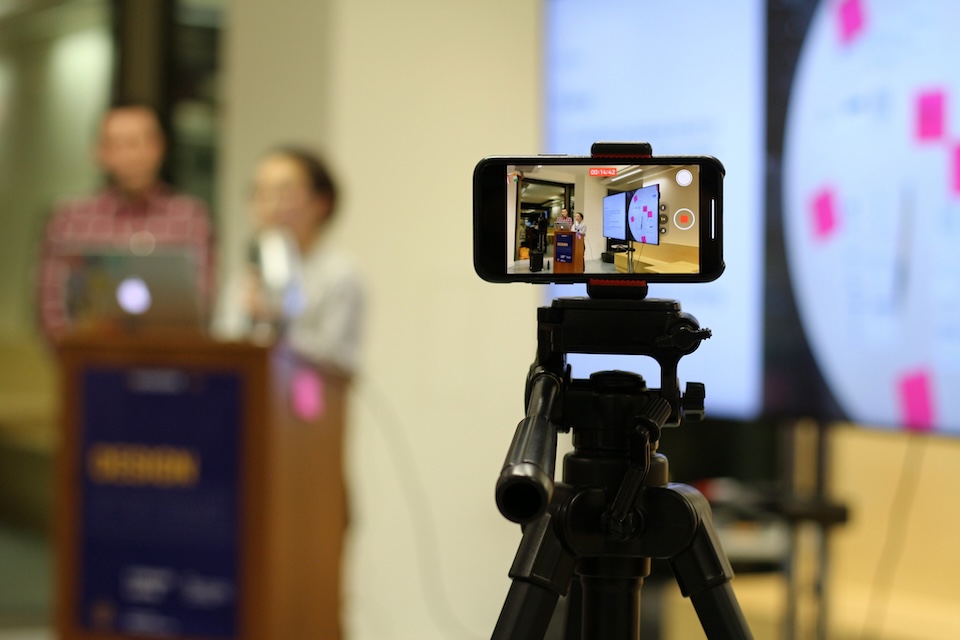
During the event itself, the focus shifts to real-time accommodation and technical stability. The GDS emphasizes that the presenter’s environment is just as important as the platform’s features.
Audio-Visual Clarity
Presenters are advised to use high-quality headsets to ensure clear audio, which significantly improves the accuracy of automated and manual live captioning. Lighting is another critical factor; clear, front-facing lighting allows participants who rely on lip-reading to see the speaker’s mouth clearly.
Sign Language and Live Captioning
For large-scale events, professional sign language interpretation is recommended. The interpreter should be clearly visible throughout the presentation, ideally through a "picture-in-picture" or "spotlight" feature. Live captioning, meanwhile, has been shown to benefit a wide range of users beyond the d/Deaf community, including non-native speakers and individuals in noisy environments. Data from various tech surveys indicate that up to 80% of people who use captions do not have a hearing impairment but use them for better focus and comprehension.
Real-Time Monitoring
Accessibility is dynamic. During a live session, a dedicated staff member should monitor the chat specifically for accessibility-related issues. If a participant reports that the captions have stopped or that a screen-share is not visible, the moderator must be empowered to pause the session and address the technical failure immediately.
Phase Four: Post-Event Accountability and Follow-Up
An event does not end when the "Leave Meeting" button is clicked. The final phase of the GDS framework focuses on sustainability and continuous improvement.
Archiving and Transcripts
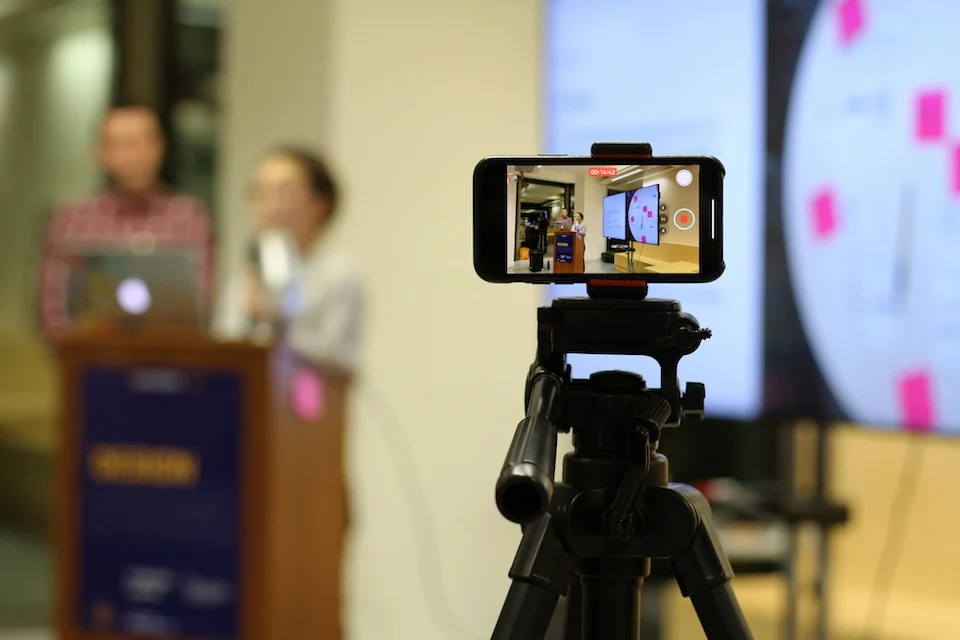
All sessions should be recorded and shared alongside a full, corrected transcript. While automated transcripts are a useful starting point, they often contain errors in technical jargon or names. A human-edited transcript ensures that the information remains accurate for future reference. Making these recordings available allows individuals who may have experienced "zoom fatigue" or sensory overload to review the content in smaller, more manageable segments.
The Feedback Loop
The post-event survey is a vital tool for institutional learning. Organizers should specifically ask for feedback on the accessibility features provided. Did the captions work? Was the sign language interpreter visible? Was the pace of the presentation appropriate? Following up directly with participants who requested specific accommodations shows a commitment to inclusion and provides specific data points for improving the next event.
Implications for the Future of Work and Governance
The shift toward mandatory accessibility in online events reflects a broader societal transition toward "universal design"—the concept that products and environments should be designed to be usable by all people, to the greatest extent possible, without the need for adaptation.
From a legal perspective, the failure to provide accessible digital spaces is increasingly being met with litigation. In the US, ADA-related digital lawsuits have seen a steady climb, and in the UK, public sector bodies are legally required to make their websites and mobile apps accessible. By following the GDS tips, organizations mitigate legal risks while fulfilling their moral obligation to provide equal access to information.
Furthermore, the adoption of these practices fosters a culture of empathy and efficiency. For example, the use of "plain English" and the avoidance of jargon—a key GDS tip—makes content more accessible to people with cognitive disabilities, but it also makes the information clearer for everyone, including busy executives and stakeholders.
Conclusion
The GDS guidelines for GAAD 2025 serve as a blueprint for a more equitable digital future. By prioritizing planning, clear communication, real-time support, and thorough follow-up, event organizers can transform online spaces from exclusionary silos into inclusive forums. As digital interaction continues to define the modern experience, the integration of accessibility is not just a technical requirement—it is a hallmark of a mature, inclusive, and professional organization. Accessibility, as the GDS concludes, benefits everyone, and implementing these best practices is a decisive step toward a world where information and engagement are truly universal.